Overview: What You’re Building and Why It Matters
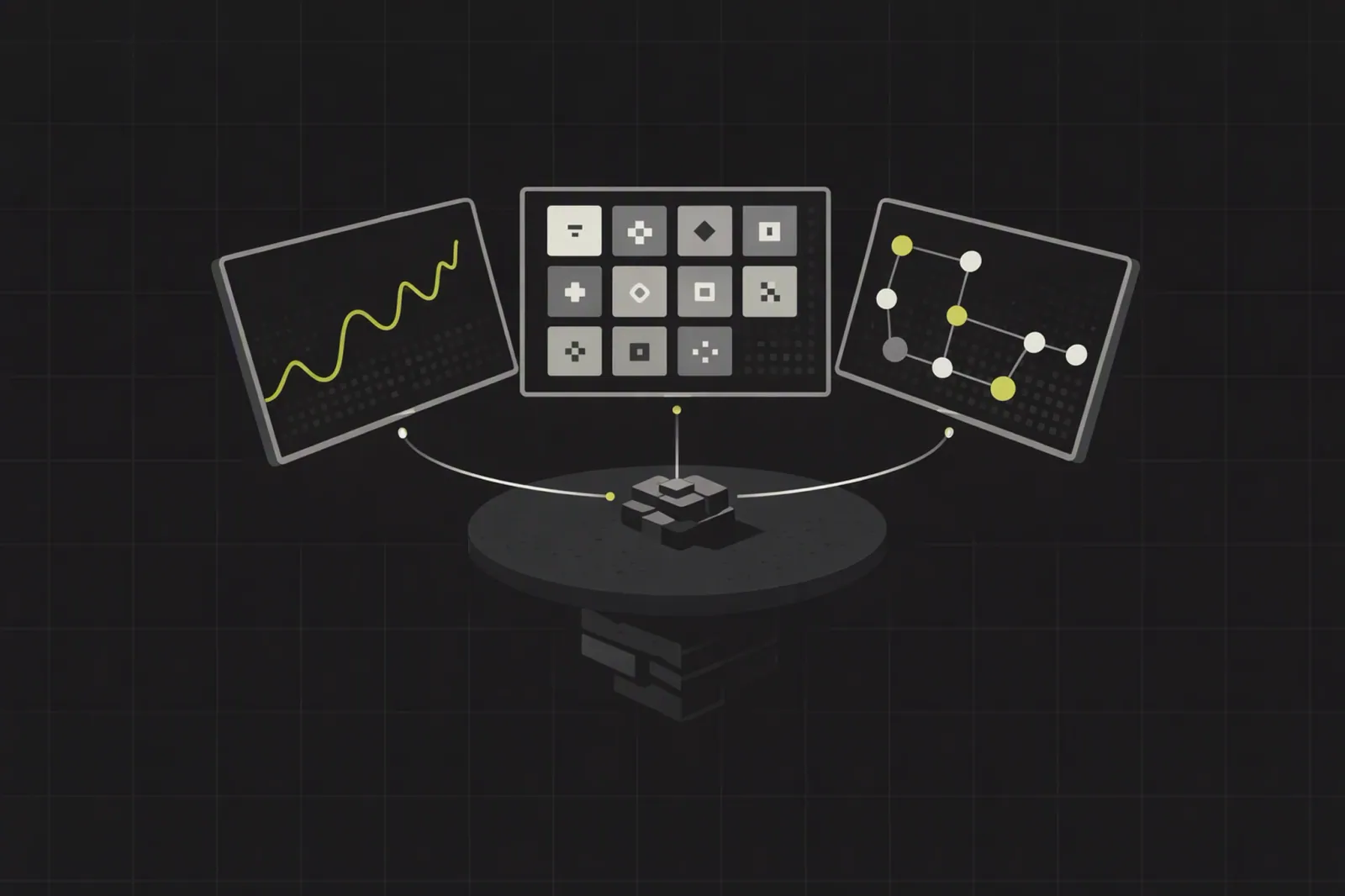
An ADA price and NFT marketplace widget is a compact UI module that shows:
- Live ADA to USD prices and historical charts
- ADA balances (lovelace converted to ADA)
- Onchain NFT sales and floor-price style stats from Cardano marketplaces
In this tutorial, you’ll design and implement a widget using:
- Cardano onchain APIs (Blockfrost, Koios, etc.) for ADA and NFT activity
- A reliable ADA to USD price feed (e.g., Codex-style token price API)
- A unified schema that can later plug into Codex or similar trading-grade APIs
This piece is a practical companion to the pillar article “Top A Crypto Coins Guide: ADA, XCH, PI, BTC and Emerging Tokens Explained”, which covers the fundamentals of ADA, XCH, PI, BTC and reference assets.
Prerequisites
Before you start, make sure you have:
Languages & tools
- TypeScript or Python for backend
- GraphQL or REST client
- Basic React/Vue/Next.js for front-end
Accounts & keys
- A Cardano data provider (e.g., Blockfrost project ID or Koios endpoint)
- A price API key (Codex, CoinGecko, or similar)
Conceptual basics
- Understanding that Cardano uses lovelace, not ADA, onchain
- Familiarity with NFT metadata standards (CIP‑26, CIP‑68)
- Comfort with webhooks or polling for near real-time UX
Step 1: Define the Widget Use Cases and UX
Start by scoping what your ADA widget must do. Build from user questions:
- “What is ADA to USD right now?”
- “How has ADA traded over the last 24h / 7d / 30d?”
- “What’s happening in Cardano NFT marketplaces right now?”
For most product teams, a production-ready widget should surface:
Price panel
- Current ADA to USD
- % change (24h)
- Sparkline or candle chart
Balance panel
- User ADA balance (lovelace converted)
- Equivalent USD value
NFT marketplace panel
- Recent onchain NFT sales (collection, price, timestamp)
- Floor-price style metric or last sale price
- Volume and unique buyers over a selected period
Document these requirements as a checklist. You’ll map each item to specific API calls in the next steps.
Step 2: Choose Your On‑Chain ADA and NFT Data Sources
You need one or more Cardano transaction indexing APIs to read the chain.
Common options that align with Cardano’s own guidance (“read state + submit transactions”):
Blockfrost
- Returns amounts in lovelaces
- REST endpoints for addresses, transactions, NFTs
- Optional webhooks for event-like behavior
Koios
- Open, distributed REST query layer
- Public queries without registration for many use cases
Cardano Node + Oura (advanced)
- Run your own node, then use Oura to tail blocks
- Forward events to Kafka, Redis, or webhooks for streaming UX
For a first iteration:
Use Blockfrost or Koios for:
- ADA balances and transactions
- NFT transfers and marketplace contract events
Avoid relying on private marketplace APIs (e.g., JPG Store REST surface) because:
- The Cardano developer portal notes JPG Store’s API is locked down
- Wayup continues JPG Store’s contracts as JPG Store sunsets
- Onchain eventing is the more durable source of truth
Step 3: Design a Codex‑Style Unified Schema
Although Codex is not a drop-in Cardano source, its schema is a strong pattern.
Codex’s APIs like getTokenPrices and getTokenBars expose:
- Token identified by contractAddress + networkId
priceUsdplus timestamp- OHLCV (open, high, low, close, volume) aggregate bars
You can mirror this design for ADA and NFT marketplace data.
3.1 Core Entities
Define these entities in your internal schema:
Token
id:networkId:tokenIdentifier(for ADA,cardano:ADAas a virtual asset)symbol:ADAdecimals:6(1 ADA = 1,000,000 lovelaces)referenceAsset: one ofUSD,BTC,PI,XCH
TokenPrice
tokenIdreferenceAsset:USD,BTC,PI, etc.price: numeric, e.g., ADA in USDtimestamp
TokenBar (ADA historical price API pattern)
tokenIdreferenceAssetopen,high,low,closevolumestartTime,endTime
NftSale
txHashcollectionIdtokenIdseller,buyeramountLovelaceamountAdaamountUsdblockTime
3.2 Normalization Rules
To keep UX consistent across ADA, BTC, PI, and other tokens:
- Always store integers for onchain amounts (lovelace, satoshis, etc.)
- Convert to human-readable units (
ADA,BTC,PI) only at display time - Use a consistent reference asset layer:
priceInUsdfor fiat UXpriceInBtcorpriceInPifor crypto-native comparisons
This schema lets you swap price providers later without touching your UI.
Step 4: Handle Lovelace, ADA, and ADA to USD Conversion
Cardano accounting is lovelace-first.
According to Cardano’s official docs:
1 ADA = 1,000,000 lovelaces- Onchain ADA amounts are tracked and returned in lovelace
4.1 Conversion Functions
Implement small, tested helpers:
const LOVELACE_PER_ADA = 1_000_000n;

export function lovelaceToAda(lovelace: bigint): number {
  return Number(lovelace) / Number(LOVELACE_PER_ADA);
}

export function adaToLovelace(ada: number): bigint {
  return BigInt(Math.round(ada * 1_000_000));
}
4.2 ADA to USD API Integration
To convert ADA to USD:
- Query a real-time ADA price feed (Codex-style or CoinGecko / equivalent)
- Use the token symbol or asset ID (e.g.,
ADA-USD)
Example request pattern (pseudo-code):
const adaPriceUsd = await getTokenPrice({ token: 'ADA', referenceAsset: 'USD' });

const balanceAda = lovelaceToAda(userBalanceLovelace);
const balanceUsd = balanceAda * adaPriceUsd;
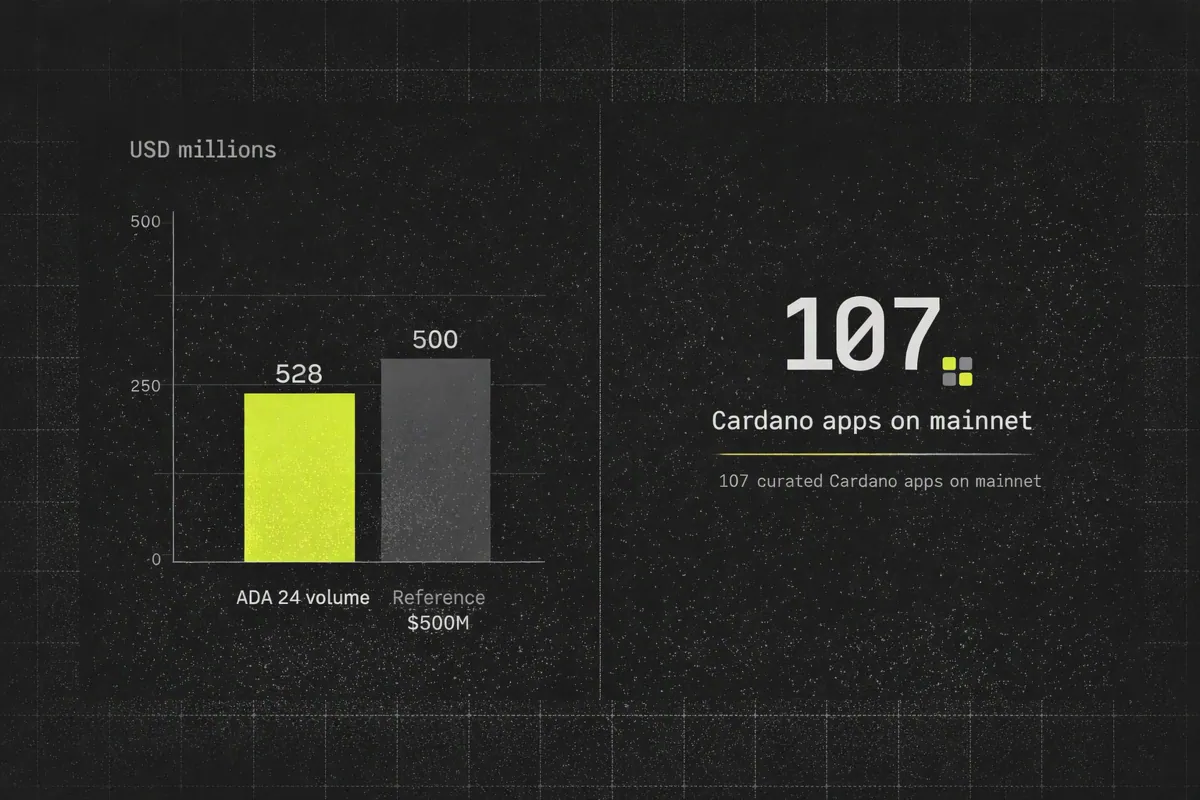
On Aug. 20, 2026, ADA traded around $0.1840–$0.1841 with about $528M in 24h volume.
Those numbers move frequently, which is exactly why your widget must use a live ADA historical price API rather than any hardcoded price.
Step 5: Add 1 BTC and 1 PI Price References
Your widget should support multi-asset price comparisons, especially for the coins covered in the pillar guide: ADA, XCH, PI, BTC and emerging tokens.
5.1 Reference Asset Strategy
Add a referenceAsset field in your schema so you can:
- Express ADA in USD, BTC, or PI
- Express BTC or PI in USD or ADA
For example:
price(tokenId='cardano:ADA', referenceAsset='BTC')price(tokenId='cardano:ADA', referenceAsset='PI')
5.2 How to Handle 1 BTC and 1 PI References
Implement a generic resolver:
interface PriceInput {
  baseSymbol: 'ADA' | 'BTC' | 'PI' | 'XCH';
  quoteSymbol: 'USD' | 'BTC' | 'PI' | 'ADA';
}

async function getNormalizedPrice(input: PriceInput): Promise<number> {
  // Step 1: fetch base->USD
  const baseUsd = await getTokenPrice({ token: input.baseSymbol, referenceAsset: 'USD' });

  if (input.quoteSymbol === 'USD') return baseUsd;

  // Step 2: fetch quote->USD
  const quoteUsd = await getTokenPrice({ token: input.quoteSymbol, referenceAsset: 'USD' });

  // Step 3: compute base/quote rate
  return baseUsd / quoteUsd;
}
This lets you answer user queries like:
- “How much is 1 BTC in ADA?” →
getNormalizedPrice({ baseSymbol: 'BTC', quoteSymbol: 'ADA' }) - “How much is 1 PI in ADA?” →
getNormalizedPrice({ baseSymbol: 'PI', quoteSymbol: 'ADA' })
Because your ADA widget shares a consistent schema with other assets, you can plug it into a cross-asset dashboard without refactoring your backend.
Step 6: Fetch Cardano NFT Marketplace Activity On‑Chain
To show NFT marketplace data, focus on onchain events, not marketplace APIs.
Cardano’s developer portal and tools directory highlight a few patterns:
- Marketplace APIs are brittle and often locked down
- The safer pattern is to:
- Detect sales via marketplace smart contracts
- Use transaction indexing APIs or streaming tools (Oura, webhooks)
6.1 Identify Marketplace Contracts
For each marketplace (e.g., Wayup):
- Determine the contract addresses or policies that represent sales
- Use Blockfrost or Koios to query transactions involving those addresses
Store these identifiers in a configuration table:
{
  "marketplaces": [
    {
      "id": "wayup",
      "label": "Wayup",
      "contracts": ["<script_hash_1>", "<script_hash_2>"]
    }
  ]
}
6.2 Build an On‑Chain NFT Sales Feed
Implement a worker that:
- Polls the Cardano indexing API for new transactions touching marketplace contracts
- Decodes relevant events (sale price, NFT asset, buyer, seller)
- Normalizes to your
NftSaleschema - Optionally pushes into a message queue or directly into your widget via webhooks
Pseudo-code for a polling loop:
async function pollMarketplaceSales() {
  const sinceBlock = await getLastProcessedBlock();

  const txs = await cardanoApi.getTransactionsSince({
    scripts: marketplaceScriptHashes,
    fromBlock: sinceBlock,
  });

  for (const tx of txs) {
    const sale = decodeSaleEvent(tx); // extract lovelace, asset, buyer, seller

    if (!sale) continue;

    await saveNftSale({
      txHash: tx.hash,
      collectionId: sale.collectionId,
      tokenId: sale.tokenId,
      seller: sale.seller,
      buyer: sale.buyer,
      amountLovelace: sale.amountLovelace,
      amountAda: lovelaceToAda(sale.amountLovelace),
      blockTime: tx.blockTime,
    });
  }
}
For production-grade UX, consider upgrading the polling loop to:
- Provider webhooks (Blockfrost webhooks)
- Streaming via Oura into Kafka or Redis
So your widget can react to NFT sales nearly in real time.
Step 7: Resolve NFT Metadata via Cardano’s Token Metadata Server
To render NFT tiles, you need reliable metadata.
Cardano has standardized this via the Token Metadata Server v2, which:
- Serves both CIP‑26 and CIP‑68 through one interface
- Prefers onchain metadata first with fallback behavior
7.1 Why Use a Single Resolver
Using a single metadata resolver instead of bespoke token parsers:
- Simplifies your widget code
- Lets you support both legacy and newer NFT standards
- Aligns with Cardano’s trend toward canonical metadata services
7.2 Example Metadata Enrichment
For each NftSale:
- Call the Token Metadata Server with the asset ID
- Retrieve:
nameimage(IPFS or URL)tickerdecimalsroyalties(if present)
- Attach it to your sale record for UI rendering
Resulting UI object:
{
  "tokenId": "<asset_id>",
  "collectionId": "collection-123",
  "name": "Cardano NFT #42",
  "imageUrl": "ipfs://...",
  "amountAda": 150,
  "amountUsd": 27.615,
  "buyer": "addr1...",
  "seller": "addr1...",
  "blockTime": "2026-08-17T12:34:56Z"
}
Step 8: Implement a Single API Layer for the Widget
Your front-end should talk to one backend API that consolidates:
- ADA balances and transactions
- ADA to USD, BTC, PI price data
- NFT sales and metadata
- Aggregated stats (volume, unique wallets, floor-price-like metrics)
8.1 GraphQL-Style Endpoint Design
Codex recommends a single round-trip mentality: fetch all widget data in one call.
Create a GraphQL query like:
query AdaWidget($walletAddress: String!, $timeframe: Timeframe!) {
  adaPriceUsd: tokenPrice(tokenId: "cardano:ADA", referenceAsset: "USD")
  adaBars: tokenBars(tokenId: "cardano:ADA", referenceAsset: "USD", timeframe: $timeframe) {
    open
    high
    low
    close
    startTime
  }
  walletAdaBalance: walletBalance(address: $walletAddress, networkId: "cardano") {
    lovelace
    ada
    usd
  }
  nftSales: nftSales(networkId: "cardano", timeframe: $timeframe) {
    collectionId
    name
    imageUrl
    amountAda
    amountUsd
    buyer
    seller
    blockTime
  }
}
This mirrors Codex’s approach (e.g., getTokenPrices, getTokenBars) while allowing you to source ADA data from Cardano-specific providers.
8.2 Aggregated Metrics for Better UX
For the marketplace panel, compute trading-oriented aggregates:
- Total ADA volume over the selected timeframe
- Approximate USD volume using your ADA to USD feed
- Number of unique wallets that bought NFT in that period
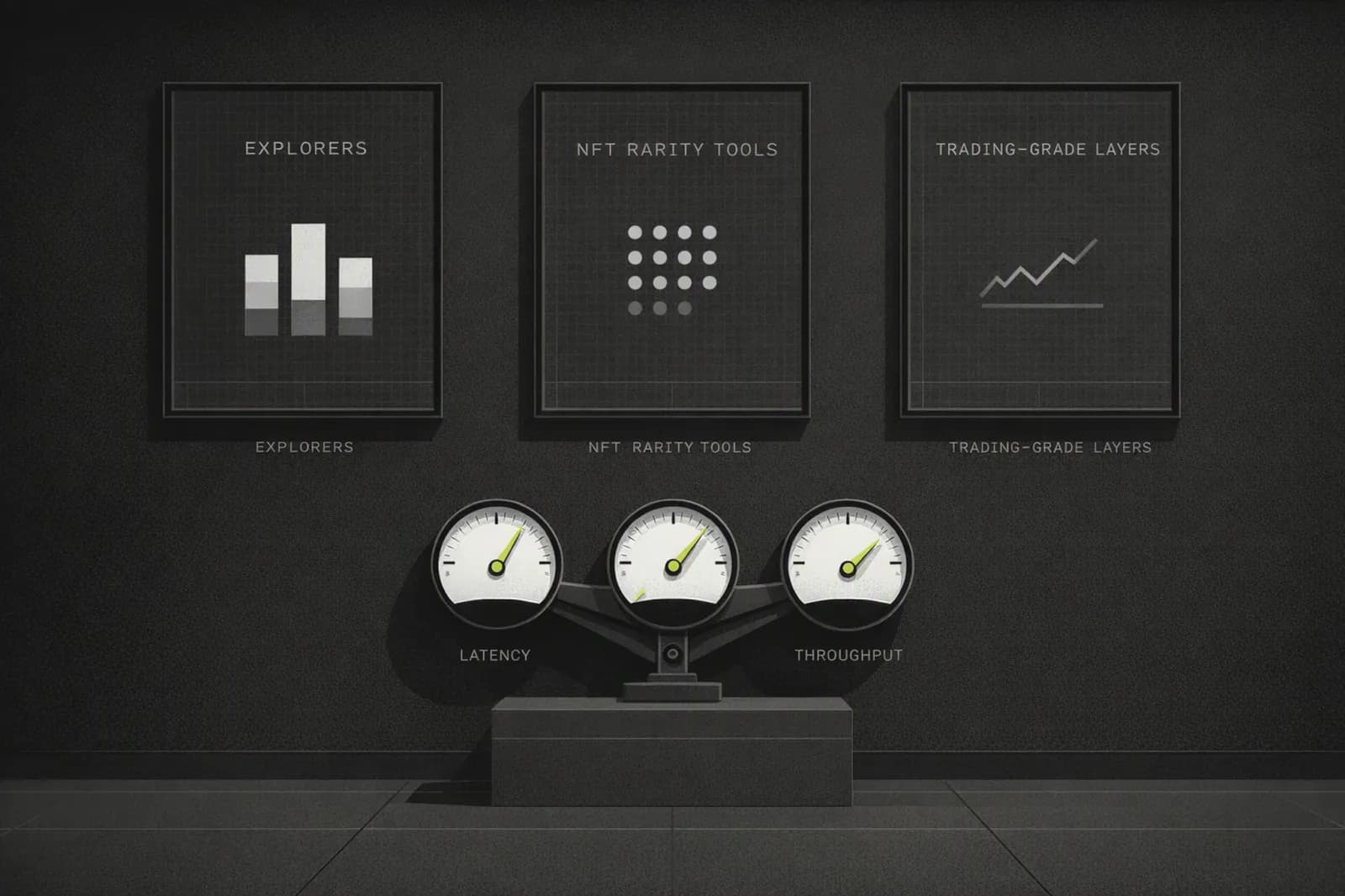
These metrics make your widget feel closer to a full trading interface rather than a basic explorer.
Step 9: Front‑End Implementation and UX Tips
With your backend in place, focus on UX:
Price panel
- Show ADA to USD with clear precision (e.g., 4 decimal places)
- Indicate last update time and auto-refresh interval
Chart panel
- Use OHLCV bars instead of a single pair price when possible
- Codex’s docs recommend aggregate bars across pools for stability
Marketplace panel
- Surface recent sales in a timeline
- Highlight collection name, thumbnail, price in ADA and USD
- Make address and transaction links clickable (to Cardano explorer)
9.1 Performance Considerations
Your target audience—trading and wallet users—cares about performance:
- Minimize round-trips by using a single GraphQL query for the widget
- Cache ADA price and chart data for short intervals (e.g., 5–30 seconds)
- Use lazy-loading for NFT images
Codex itself emphasizes sub-second response times, which is a good benchmark for your widget even if you’re not yet using Codex as the data source.
Step 10: Evolve Toward Codex‑Style Trading‑Grade Infrastructure
Once your ADA widget is working against Cardano-specific APIs, consider a roadmap toward a more unified, multi-chain infra layer.
Codex is particularly valuable when:
- You expand beyond ADA to BTC, PI, XCH, and long-tail tokens
- You need 70M+ tokens, 700M+ wallets, 80+ networks worth of coverage
- You want prediction market data (Polymarket, Kalshi) in the same API
10.1 Migration Pattern
Based on Codex’s migration guidance:
- Keep your schema aligned with token, price, bar, wallet, and NFT entities
- Replace individual data sources (Cardano, etc.) with Codex endpoints where available
- Preserve your front-end integration (same GraphQL-style query), minimizing refactor risk
This gives your product team:
- Less time spent on indexing and ETL
- More time building new widgets and experiences